
Message
Write a short announcement, add an optional CTA button, and send visitors to the right product, page, or link.
Put launches, updates, and deadlines in view with an announcement bar. Choose the pages where your message matters.
No card requiredSee it in action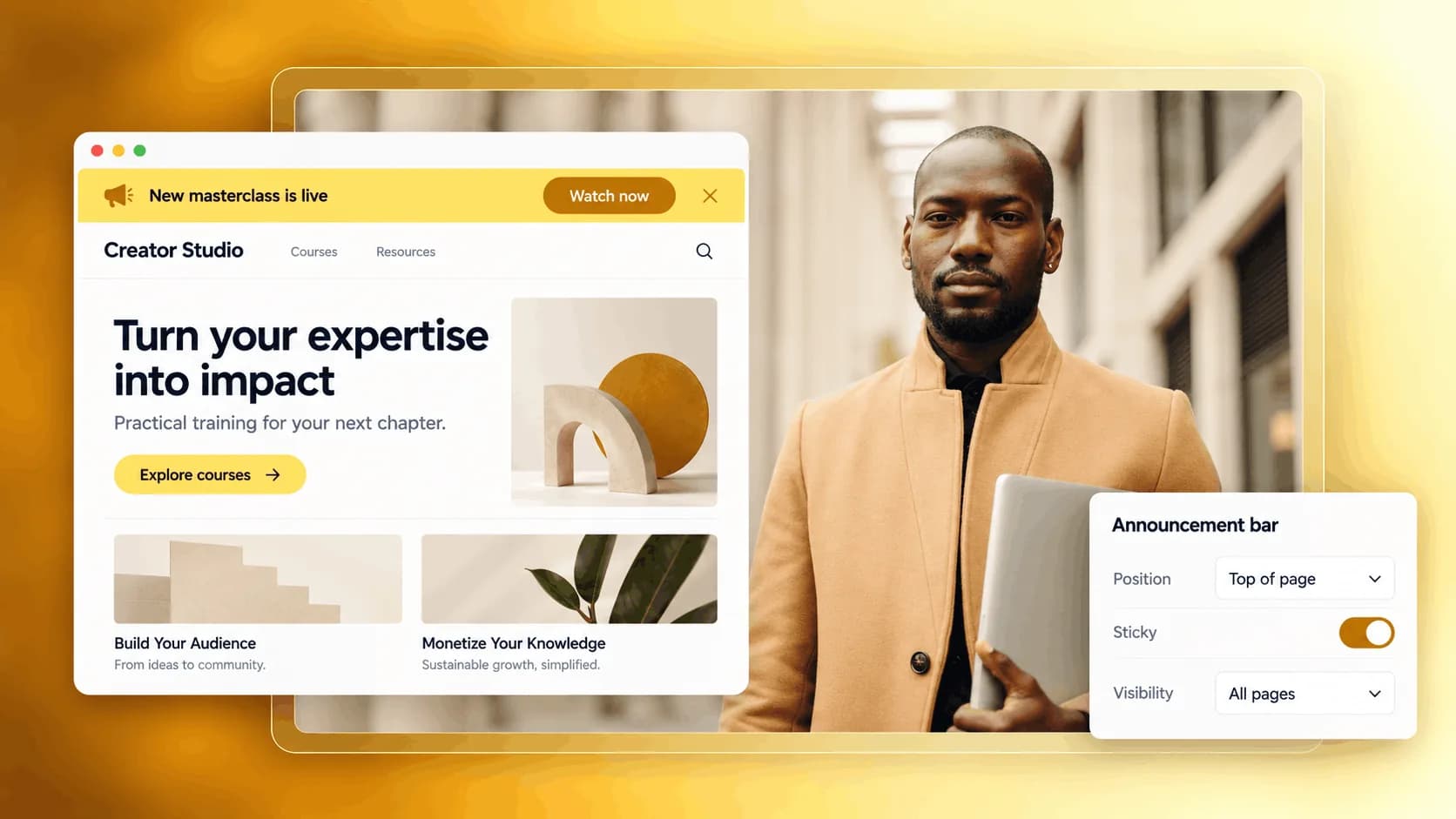
See how one line can give your visitors a useful next step.
Thoughtful resources for a more creative everyday.
Explore the course
Introduce a new offer from the pages your audience already visits.
Illustrative example. Your content, your brand, your setup.
The practical tools that help you turn this part of your business into one connected customer experience.
Write a short announcement, add an optional CTA button, and send visitors to the right product, page, or link.
Set the start date, end date, and timezone so the announcement appears only during the window you choose.
Show the announcement across your full storefront or restrict it to specific products, apps, blog articles, or course lessons.
Show a promotion at the top of your store with a clear message, CTA, and active time window.
Announce a new product, course, membership, or private resource directly on your public pages.
Add a countdown timer to create urgency before a campaign, cart close, or special offer ends.
Show a specific announcement only on selected products, apps, blog articles, or course lessons.

Website builder
Build offers people can buy
Learn more
Visual drag-and-drop editor
Learn more
Your branded store
Learn more
Identity & look
Learn more
Your own domain
Learn more
Accept secure payments
Learn more
Manual discount codes
Learn more
Automatic timed discounts
Learn more
Structured learning
Learn more
Public articles & insights
Learn more
Bookings & scheduling
Learn more
Branded member community
Learn more
Community access
Learn more
Standalone custom pages
Learn more
Embed any web page
Learn more
Automatic & content emails
Learn more
Visible bar messages
Learn more
Conversion overlays
Learn more
Modern discovery layer
Learn more
Pixels & ad data
Learn more
Store performance
Learn more
Leads, access, subs
Learn more
Roles & collaborators
Learn more
Terms & privacy pages
Learn more
Run Zemers by chat
Learn moreAn announcement bar is a banner that appears at the top of your store pages, blog, and course pages. You can use it to announce promotions, launches, or important information.
Share a launch, deadline, or important message with an announcement bar. Choose the pages and timing that fit your update.


