
Terms
Write or paste your Terms & Conditions so customers can understand your purchase rules, access terms, refunds, usage rights, and business policies.
Give your terms and privacy policy a place in your store. Help customers understand your business and review the terms before they buy.
No card requiredSee it in action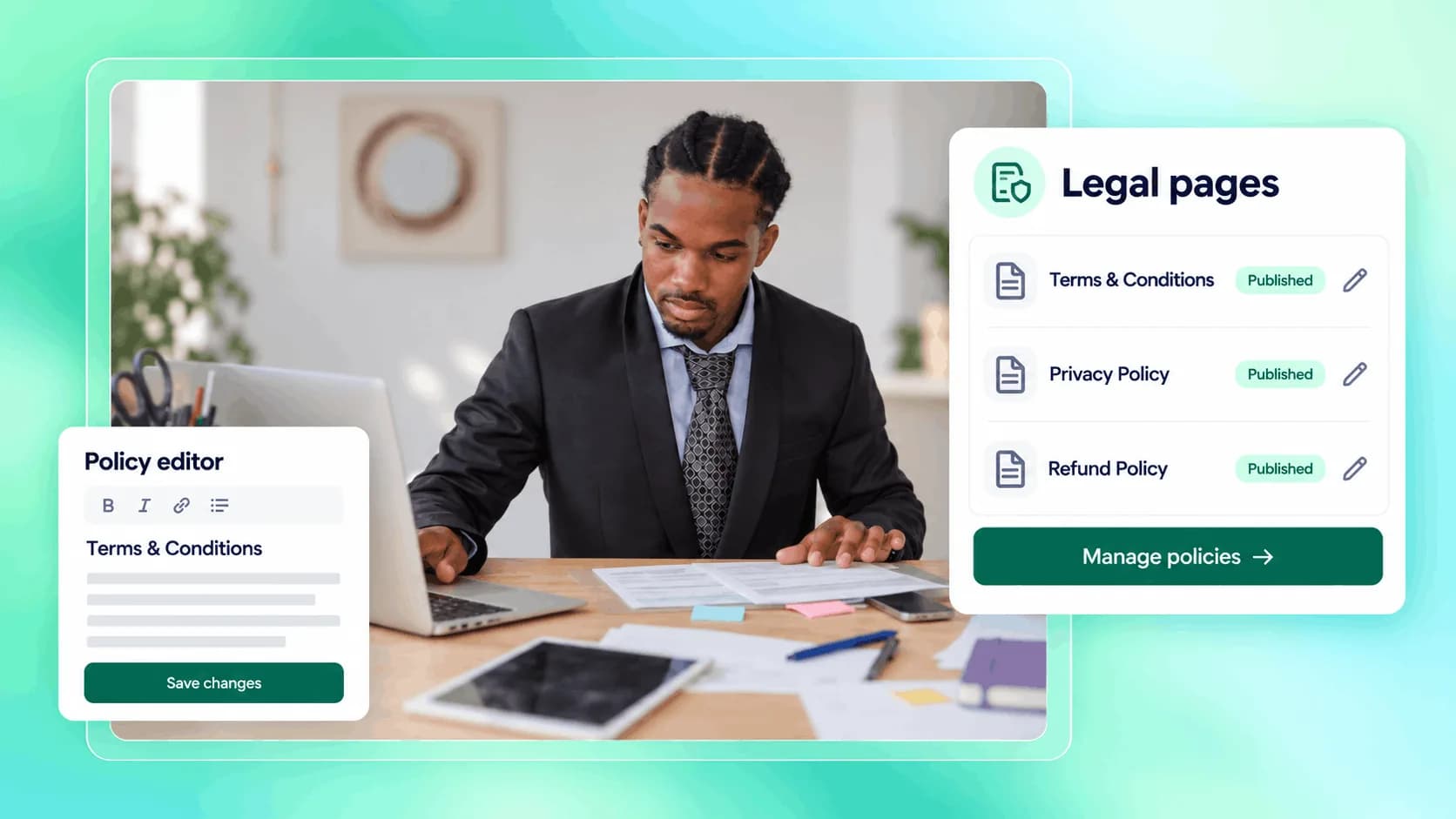
Give the important details a clear place in the experience.
Your own policies, presented in your store.
Publish your own purchase rules, access terms, and usage policies.
Illustrative example. Your content, your brand, your setup.
The practical tools that help you turn this part of your business into one connected customer experience.
Write or paste your Terms & Conditions so customers can understand your purchase rules, access terms, refunds, usage rights, and business policies.
Add your Privacy Policy so visitors and customers can understand how their data is handled.
Require customers to accept your terms at checkout for selected products when your offer needs an extra layer of clarity and consent.
Add your terms and privacy policy to your public store so customers can read them before buying.
Link your legal pages from checkout and require terms acceptance when you want customers to confirm they agree before purchase.
Use terms acceptance for offers where access, refunds, usage rights, subscriptions, or digital delivery rules need to be clear.
Make your store feel more serious and complete by showing that your business has clear policies, not hidden rules.

Website builder
Build offers people can buy
Learn more
Visual drag-and-drop editor
Learn more
Your branded store
Learn more
Identity & look
Learn more
Your own domain
Learn more
Accept secure payments
Learn more
Manual discount codes
Learn more
Automatic timed discounts
Learn more
Structured learning
Learn more
Public articles & insights
Learn more
Bookings & scheduling
Learn more
Branded member community
Learn more
Community access
Learn more
Standalone custom pages
Learn more
Embed any web page
Learn more
Automatic & content emails
Learn more
Visible bar messages
Learn more
Conversion overlays
Learn more
Modern discovery layer
Learn more
Pixels & ad data
Learn more
Store performance
Learn more
Leads, access, subs
Learn more
Roles & collaborators
Learn more
Terms & privacy pages
Learn more
Run Zemers by chat
Learn moreYou can add your Terms & Conditions and Privacy Policy inside Zemers from Settings → Legal.
Publish your terms and privacy policy in your store. Show customers the relevant terms before they complete a purchase.


