
Structure layer
Start from rows and columns. Drag them onto the canvas, set how wide and how tall each row runs, choose how many columns sit side by side, and reorder anything without losing your work.

Build pages visually, shape every section, and make them feel right on every screen. Your brand, from the first row to the final detail.
No card requiredSee it in action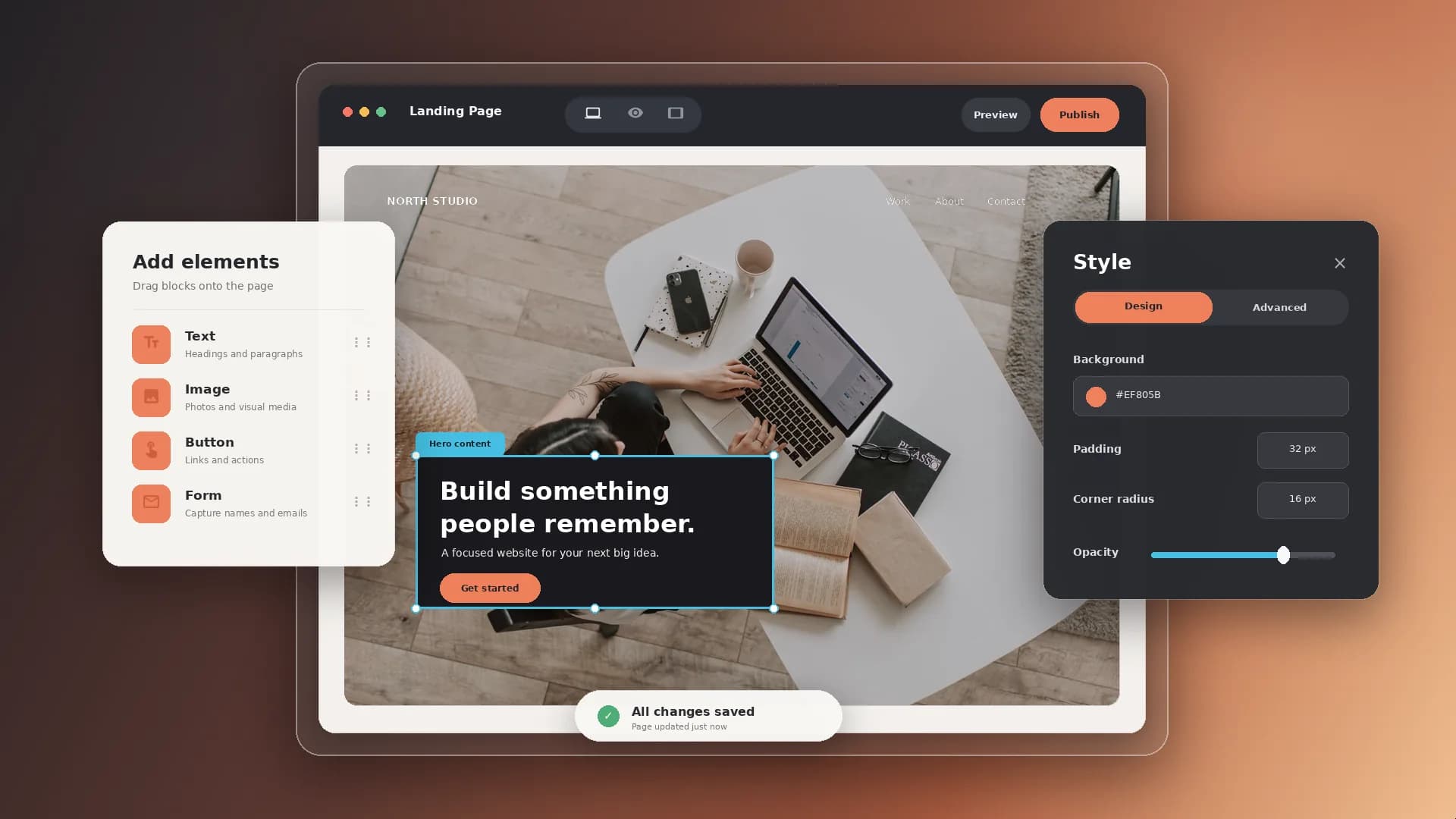
Explore one page across three layouts. A little room to make it yours.
Thoughtful resources for a more creative everyday.
Explore the course
Use the canvas to balance your message, images, and calls to action.
Illustrative example. Your content, your brand, your setup.
The practical tools that help you turn this part of your business into one connected customer experience.
Start from rows and columns. Drag them onto the canvas, set how wide and how tall each row runs, choose how many columns sit side by side, and reorder anything without losing your work.
Fill the layout with text, images, buttons, sliders, and video, then style every part of it - spacing, typography, colors, backgrounds, borders, shadows, filters, and hover states.
Switch the canvas between desktop, tablet, and mobile and give each screen its own sizes, spacing, column count, module order, and visibility - from one page, not three.
Design a campaign page around one promise and one call to action, and send paid traffic straight to it under your own domain.
Build a long-form sales page with hero, proof, media, and buttons that link directly to checkout for the product you are selling.
Give your brand a real front page - story, work, media, and links - instead of a template you cannot move a single row inside of.
Build a page once and attach it to a Page app, so only the customers who bought the connected product can open it.

Website builder

Build offers people can buy
Learn more
Visual drag-and-drop editor
Learn more
Your branded store
Learn more
Identity & look
Learn more
Your own domain
Learn more
Accept secure payments
Learn more
Manual discount codes
Learn more
Automatic timed discounts
Learn more
Structured learning
Learn more
Public articles & insights
Learn more
Bookings & scheduling
Learn more
Branded member community
Learn more
Community access
Learn more
Standalone custom pages
Learn more
Embed any web page
Learn more
Automatic & content emails
Learn more
Visible bar messages
Learn more
Conversion overlays
Learn more
Modern discovery layer
Learn more
Pixels & ad data
Learn more
Store performance
Learn more
Leads, access, subs
Learn more
Roles & collaborators
Learn more
Terms & privacy pages
Learn more
Run Zemers by chat
Learn moreIt is the visual editor inside your Zemers dashboard where you build pages from rows, columns, and modules. You drag the structure into place, drop in text, images, buttons, sliders, and video, and style everything on a live canvas.
Arrange sections, refine the details for each screen, and publish under your brand. Save layouts to use again as your site grows.


